Showing posts with label WOE. Show all posts

Wednesday, October 15, 2008

CVN-75

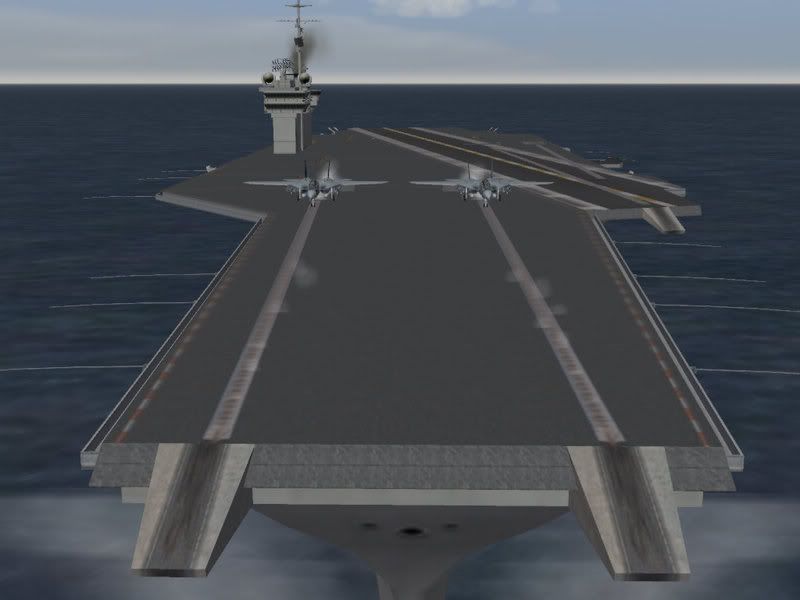
Last time I showed how you can extract the CVA-63 carrier from within WOE. But in the campaign I am developping, I use the CVN-75 from Digital-Overload.

The CVN-75 Harry S. Truman is a Nimitz class super carrier. Nimitz class carriers are nuclear powered and can carry up to 85 aircraft. The CVN-75 was not yet build in the timeframe I use for my campaign, but there exists a mod with all ships from that class. However I don't use that mod because Digital-Overload is no signatory to the Freeware Licensing. So I can't know whether the author of the Nimitz mod, got permission to use and distribute his files.

After my experience with Diego, I have adopted these rules:
1/ only use material from authors in the freeware licensing list
2/ if the author is not in the list, ask his permission before release, but never use derivates from his work
3/ if the author is a team (ala Mirage Factory), make sure that at least one of the team members is mentioned in the freeware licensing list, so that I can ask for permission through him.

To showcase the CVN-75 in my campaign i made this little movie with some F-14's performing carrier trials.


Happy Flying,


Wednesday, October 08, 2008

CVA-63 Kitty Hawk


Did you know that Wings Over Europe contains a carrier and you don't need a legal copy of WOV to use it!

If you use the cat-extractor to view the object cat file (\objects\objectdata.cat) you will find a list of files that start with CV-63 or CV63.

First extract all these file and drop them into a newly created directory CVA-63 (which you should create in \Objects\GroundObject\).

Then you need create a file in that directory which you call CVA-63.ini, this file is required to tell the game where it can find the different lod's and bmp's for the carrier.

In that CVA-63.ini you need to paste following data:
[BEGIN QUOTE COPY ALL TEXT AFTER THIS ENTRY]

[GroundObjectData]
ObjectName=CVA-63
ObjectFullName=CVA-63
ObjectDataFile=CVA-63_DATA.INI

[LOD001]
Filename=CV-63.LOD
Distance=600

[LOD002]
Filename=CV-63_LOD002.LOD
Distance=800

[LOD003]
Filename=CV-63_LOD003.LOD
Distance=1000

[LOD004]
Filename=CV-63_LOD004.LOD
Distance=2000

[LOD005]
Filename=CV-63_LOD005.LOD
Distance=15000

[LOD006]
Filename=CV-63_LOD006.LOD
Distance=30000

[Shadow]
CastShadow=FALSE
ShadowLOD=CV-63_SHADOW.SHD
ShadowType=1
ShadowCastDist=10000
MaxVisibleDistance=150
[END QUOTE COPY ALL TEXT BEFORE THIS ENTRY]

To install the carriers in a campaign or or single mission follow these instructions and now you can fly from carriers in WOE without needing a legal copy of WOV.

I won't use the Kitty Hawk class of carriers in my campaign. Instead I'll opt for the CVN-75 provided by Digital Overload. In my next post I will provide more background information on that carrier.

More information on the CVA-63 Kitty Hawk can be found here. Information on the Kitty Hawk class can be found here.

A tutorial for the cat extractor can be found here.

Happy Flying

Thursday, June 26, 2008

WOE:BC Update 7

In my last update I talked about implementing ground attack missions for fighters like the Mig-29. The idea behind it was that the player (flying on NATO(s side) could encounter suddenly Mig-29 instead of slow lumbering bombers.

However the ongoing tests that I do while developping the campaign (I always fly a mission in the aircraft that I am installing to get a feel of it and to determin the right loadout) revealed that the campaign tends to use only Mig-29's for ground attack and not the other more dedicated CAS aircraft. So I had to roll back my original idea and now fighters can only do sweeps, intercepts, caps and escorts while the CAS aircraft are dedicated to ground pounding.

Currently I added all the Soviet fighters that would be operating from East-Germany. Since some aircraft are not yet available for WOE, I had to use replacements. So the Su-24 and Su-25 are temporarily replaced by the Su-17.

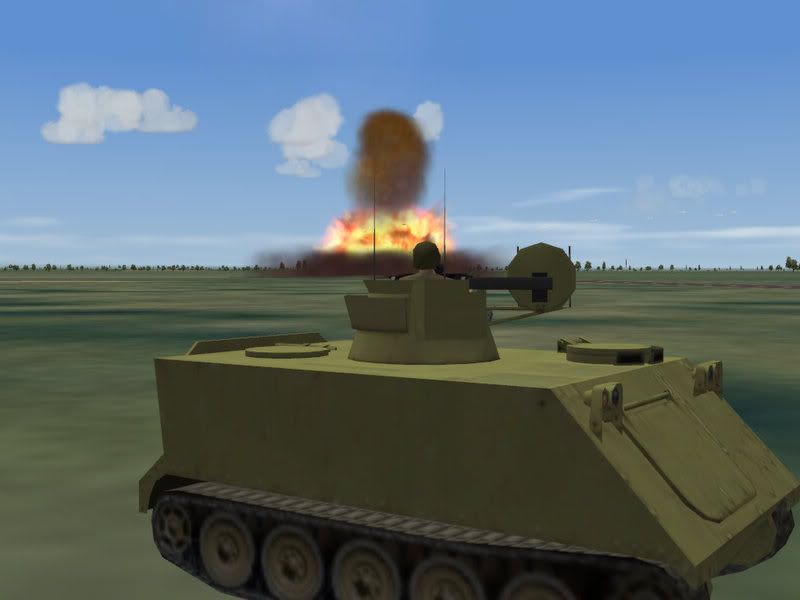
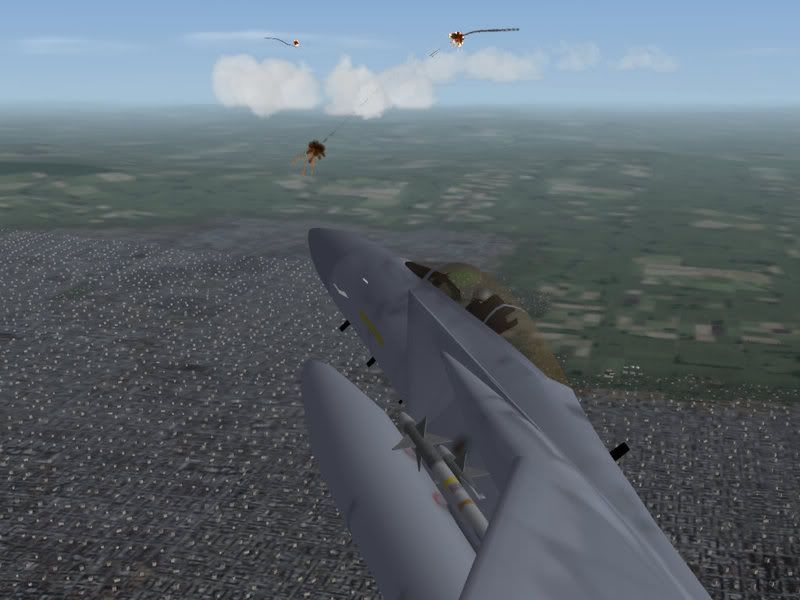
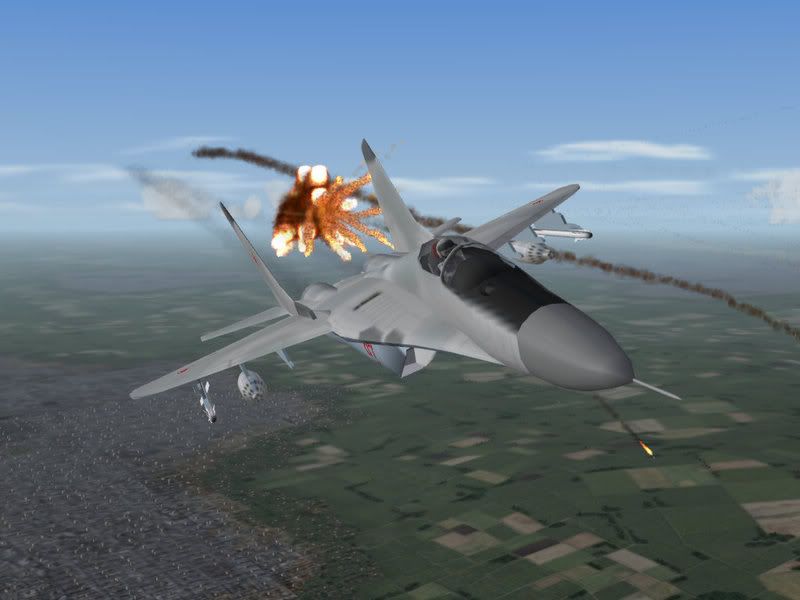
Now its time to add the attack helicopters to the campaign: the Mi-35 (as a standin for the Mi-24) and the Mi-8. While I am doing that, you can already enjoy some action shots I took during testing.

Happy Flying


Thursday, June 05, 2008

WOE:BC Update 4

Last weekend I added the last of the French fighters to the campaign. Although I use the Orders of Battle for the NATO that I downloaded from the web, not all French squadrons will be included in the campaign.

I can imagine that some French fighters would be protecting the French sky and coastline. As I work myself slowly through the Order of Battle, I settled in standard procedure to add aircraft, units and squadrons.

First step is downloading the aircraft and required skins from combatace.
Second step consists of creating and uploading a Hangar and Loading Screen Pack to combatace.
Third step is adding a custom pilot skin
Fourth step is adding the squadrons to the campaign
Fifth step involves adding the appropriate weaponry to the squadron.
Sixth and final step is rewritting the default loadout of the aircrafts for each possible mission.

I keep track of each modification I make, so that when I finish the campaign, I can write an extensive readme, which perhaps will be posted on a blog in the form of an online tutorial.

But the end is still far away. I still have to add aircraft for the Hellenic Air Force, Turkish Air Force, Spanish Air Force and Dutch Air Force.

Happy Flight

Wednesday, May 28, 2008

WOE:BC Update 3

My work on the campaign for Wings over Europe has spawned a little side-project: Loading and Hangar screens.

While building the campaign I make a habit of replacing the loading screen and hangar screen for each aircraft. The loading screen usually is an ingame shot of the involved aircraft while the hangar screens are based on the default WOE hangar screens.

Now i always find it annoying that when a mission is loaded, you always get to see a generic loading screen or a picture of the involved aircraft which to me breaks the immersion. I thought it would be nice to have a screenshot of your aircraft when loading the mission or selecting the loadout. But with so many excellent skins it would be quite a hassle to create and manage the screens. So I set out to find an easy and manageable way to have multiple loading screens available for a single aircraft.

The trick is quite simple: for each aircraft skin I create a hangar and loadingscreen. Those screens are saved under the names texturesetxxx_hangar and texturesetxxx_loading. In the aircraft ini file I add now for each textureset the lines to the appropriate hangar and loading screen and block those lines with "//" prefix. If I want the sim to use a specific loading screen, I simply delete the // prefix before the appropriate line.

Its an easy and quick way to swap between screens. The added advantage is that it will be much easier for other people to upload the data, if they want to rebuild my campaign. But rest assured , i am still a long way from releasing the campaign (I still have to add the French and Dutch Airforce and some other minor nato air forces).

If you are interested in my hangar and loading screen packs, you can download the first two ones at combatace:

Have fun

Monday, April 14, 2008

silent times

It has been silent on my blog for while. That's because I have not flown Il-2 missions for a while. Not that I was not working on any project. I just had not much to write about this project.

The only thing I can reveal, that it has to do with Wings over Europe from Thirdwire. But with the release of some new Il-2 campaigns I have decided to start flying in WW2 again. I won't perhaps post AAR's immediately, but at least I am back in the cockpit (the WOE project involves more modding then flying currently).

To restart my Il-2 work I posted the last mission I flew in the Cobra campaign. You can find it here at SimHQ.

Keep checking SimHQ and this blog for further entries.

Wednesday, August 08, 2007

Extra Views in knowledge base

This week I posted my discovery on the extra views that can be programmed into WOE (wings over europe). Within a couple of hours my post was moved to the knowledge base at combatace (See link).

It does flatter my ego, when I discovered or wrote something the community did not think off. Granted these extra views might not be usefull in actual dogfights but they are nice to create special screenshots or for movies.

I am now working on a small "extra view mod" for the A-7 Corsair. Posting the files to implement this mod, should make it more easier for people who are not comfortable with ini tweaking, to implement the views. At the same time I need those views for my second WOE movie I am making.

I hope to post the mod by the end of the week on combatace. In the meantime you can read my research here, while my latest Tainted Cigar AAR is available at SimHQ or on this blog.

Happy Reading

Wednesday, August 01, 2007

Movie Results

Rougly 400 people visited my blog over the weekend when I announced my movie F-16XL. The average stay on my blog was 4:01 minutes. Thise means that few people read what I write (if you read this, congratulations you are among the happy few), but most watched my movie (untill at least the end credits rolled by).

Making that movie, rekindled my interest in movie making. At first I believed that WOE would be too limited for movie-making but I have discovered some interesting hacks (or mods) that enable me to manipulate the views in the sim. I am currently writing the script for a second movie which will use more advanced camera angles. But more on that in my next post (when I will announce my findings in the community).

I posted the third installment in the Tainted Cigar series on SimHQ but you can also find it here at my story blog.

I hope you enjoy the AAR and watch out for my next post.

Wednesday, July 25, 2007

F-16XL

Today I posted my latest movie. Yesterday I downloaded the F-16 XL from combatace and decided to make little movie on the spot.

WOE is much harder then LOMAC and Il-2 for movie making. The views are limited and although you can declutter the screen there are still some messages that pop up on the bottom of the screen. By zooming the image, I can block these messages out, but sometimes one slips through.

I initially had some fears about the frame rate (In il-2 and Lomac, movies are taped at a quarter of normal speed, to artificially increase frame rates by speeding up the images in vegas), but everything remained around 30 to 40 frames. Furthermore I discoverd the benefits ofDivx compressing. The initial 4 minute movie took a whopping 1 Gb in AVI format. This was by far the best format (and much better then in youtube). Converting to Divx i obtain a file of 51 Mb. Still too big and clumsy for Youtube but now I can post it on Stage6, which support Divx embedding.

For those who like to read stories instead of wathing them, a new AAR "VF-41" is available at SimHQ and on this blog.

For the movie fans, below the video you will find links to the several sites I posted the movie on.


Other places you can find this movie:


Stage6

YouTube


F16XL.divx

Wednesday, July 18, 2007

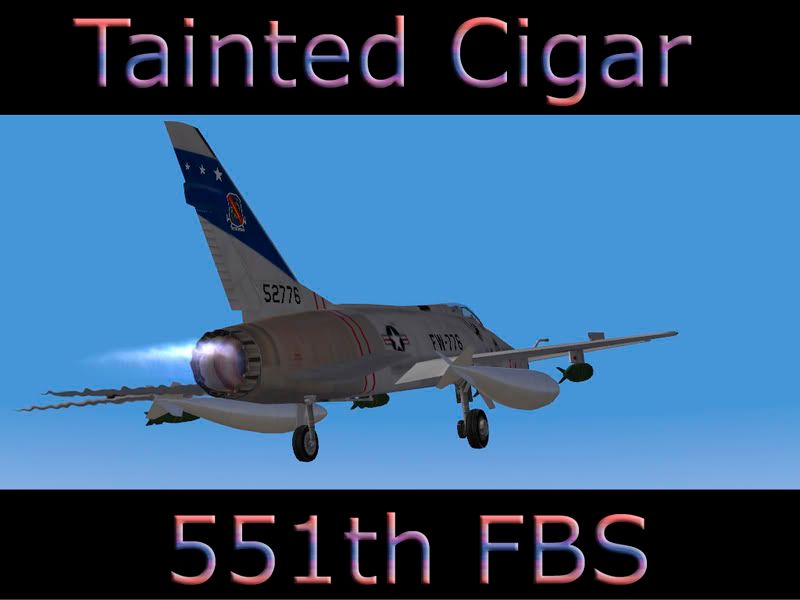
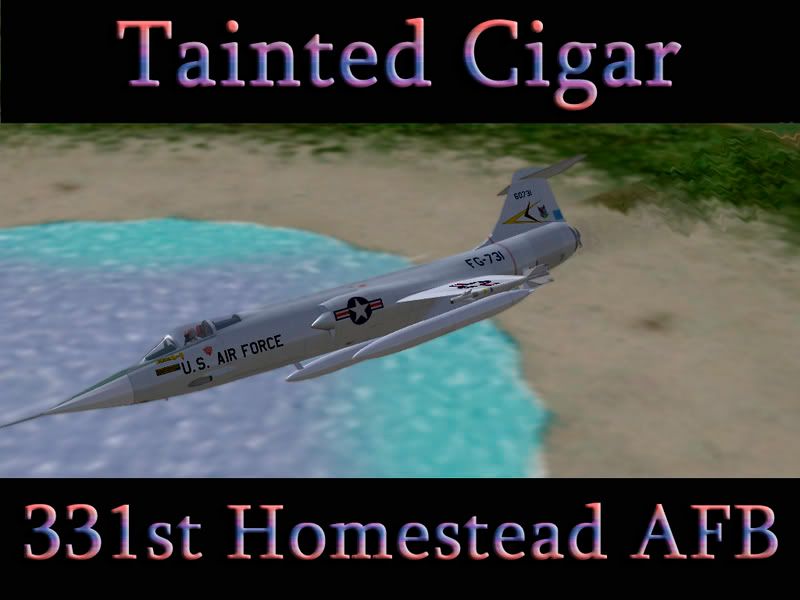
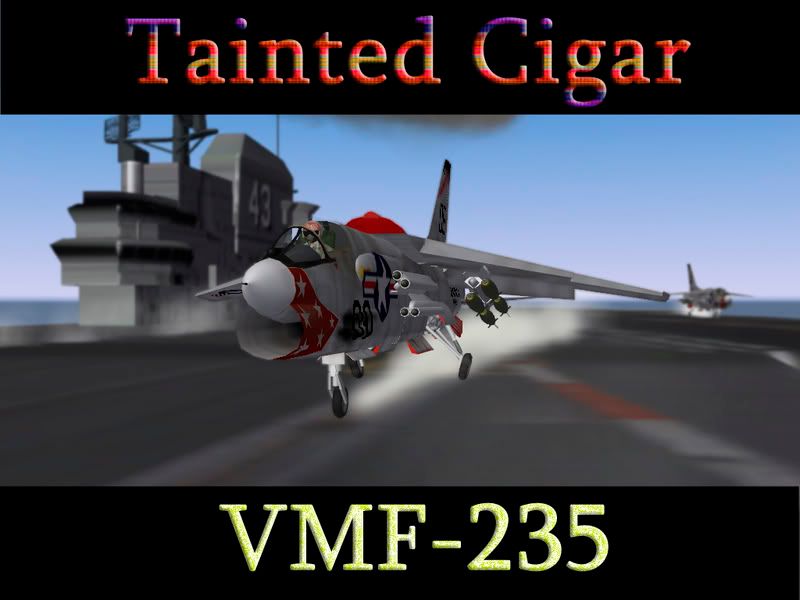
WOE - Tainted Cigar

In an earlier post, I complained about user-unfriendliness of WOE. Nevertheless I have reinstalled WOE again after discovering a full install campaign: Tainted Cigar. The designer of this campaign has included all the necessary aircraft and files needed to run the campaign. As a user I only need to install WOE and the latest patch before adding the campaign files. It does not get easier then that.

But I fear that this designer is almost alone in the desert. Not many designers over such an install. And when I informed at combat ace about the feasibility of a version pack (sort of bundling of all possible skins/aircrafts so that user have a single stop download to have all required skins/objects for future campaigns) the reaction of some posters was quite aggressive. I can't shake of the feeling that the WOE community is not that happy shiny group of people (certainly not compared to the Il-2 community).

Undeterred, I have decided to build my proper version pack. Since i don't intend to ask permission to each and any modders/skinner/modeler to use his aircraft, the pack will remain a personal use tool only.

Meanwhile I will post now also some WOE - AAR's, the first one you can find on simHQ or on this blog.

Happy Reading